
TestCase Popup not available
Q: I created a Test Case but don’t see the pop-up on the Survey Tester bar at the bottom of the page. What should I do?

- Click Test Survey and choose your Test Case from the dropdown list. Only existing Test Cases are shown in the dropdown.
- Edit Test Case Questions, allows you to edit Test Case for existing questions or add new ones to the test case while testing the survey.
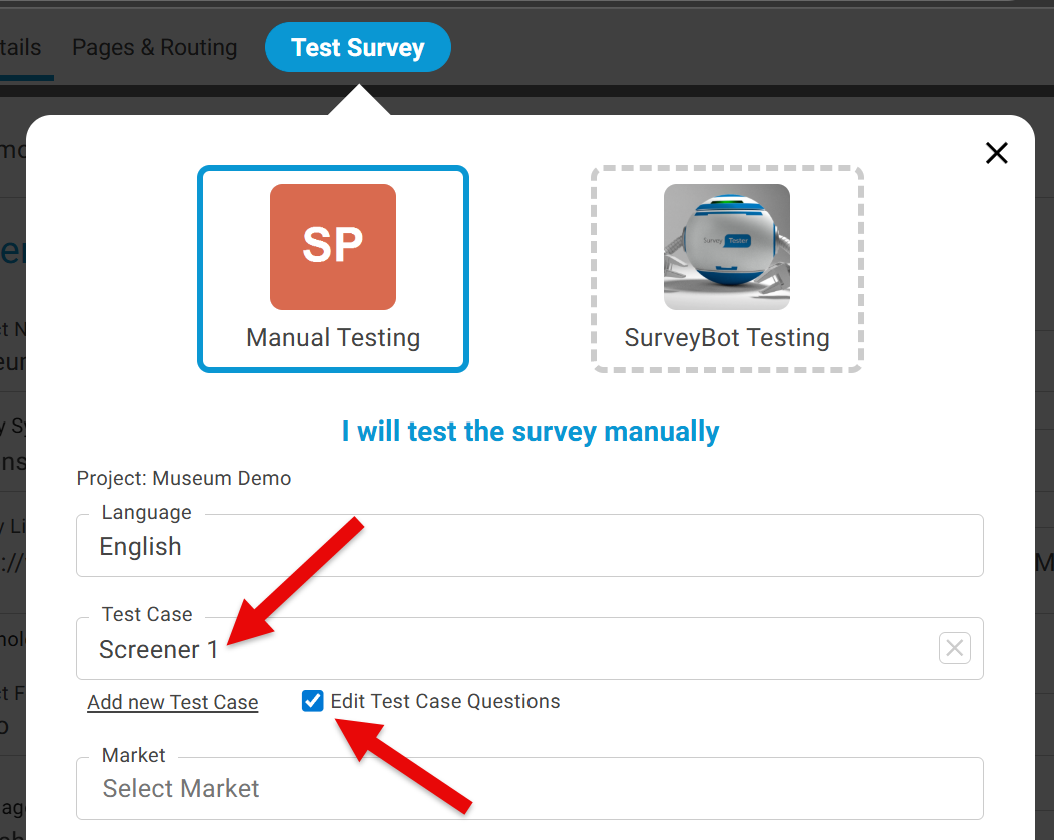
Now you will see the Test Case icon activated.

Please note:
- This is only available if the user has the correct permissions.
- A user cannot see private test cases from other users.