
Change Password
How to Change Your Password
You can easily update your password from the My Account section of your SurveyTester dashboard. Just follow the steps below:
Step 1: Open My Account
- Go to the top‑right corner of the screen.
- Click on your profile image or initials.
- Select My Account from the dropdown menu.
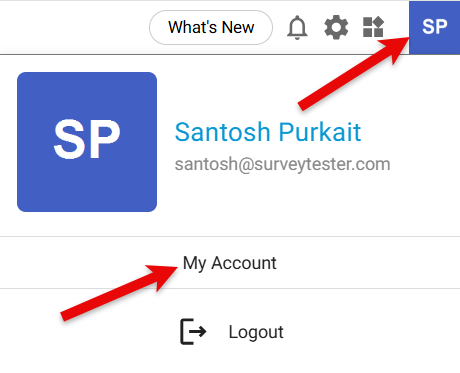
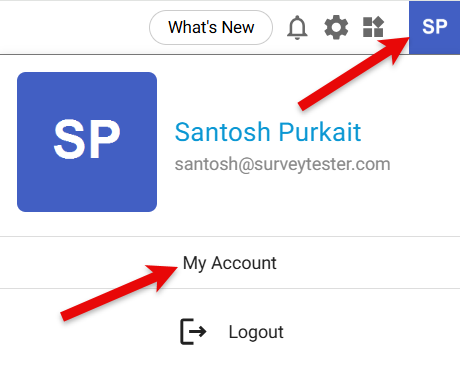
A new My Account window will appear and click the Change Password button.
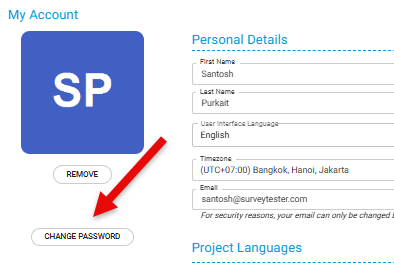
Step 2: Update Your Password
- Enter your current password.
- Type your new password.
- Re‑enter the new password to confirm it.
- Click Change Password to save the update.
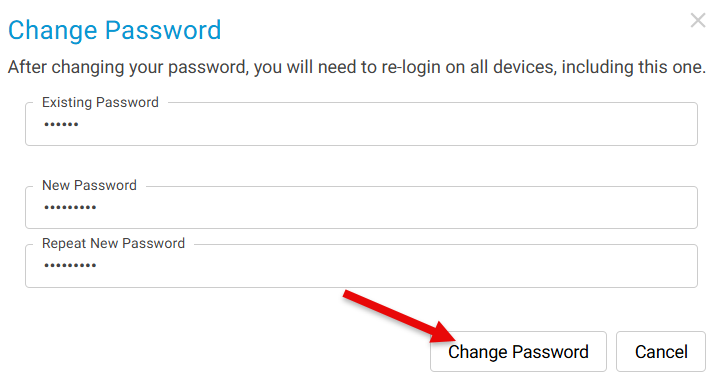
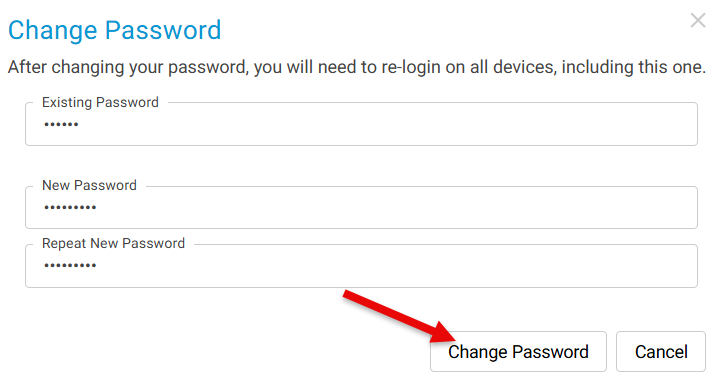
Your password will now be successfully changed.