
Adding Multiple Languages
Auto‑Importing Languages, Markets Using Test Survey URLs Laura: should we remove Markets?
For projects containing multiple languages you no longer need to manually add each parameter one by one.
The system can now automatically identify language parameterparameters directly from your test survey URLs and create Languages.
Importing Multiple Languages
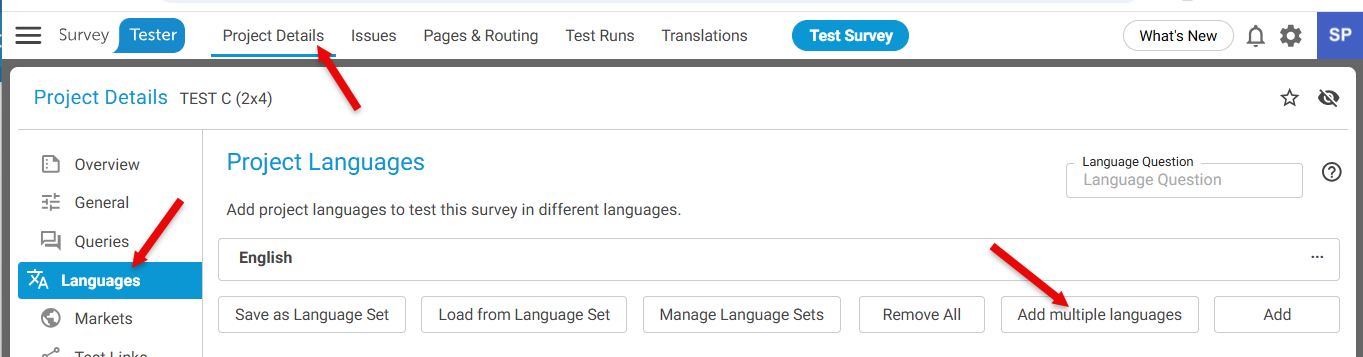
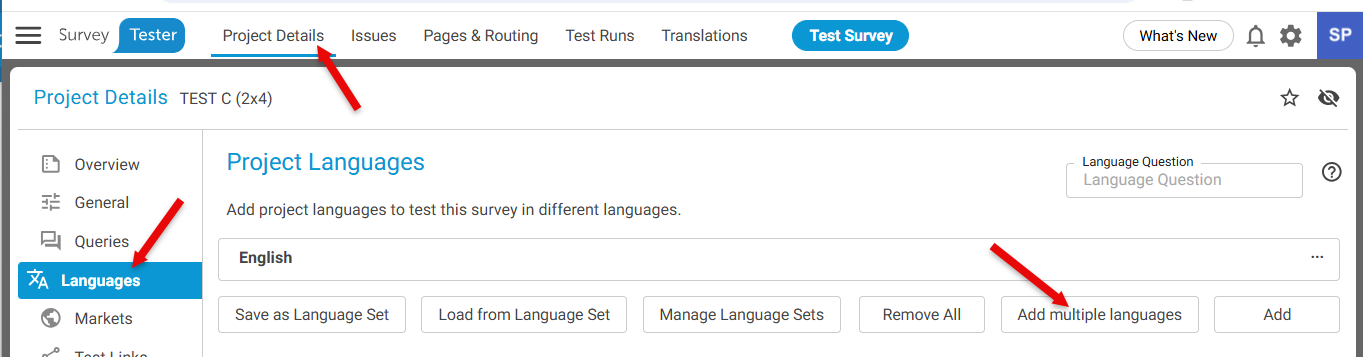
- Go to Project Details
- Select Languages from the left-hand panel
- Click on button Add Multiple Languages
Step 2: Provide Test Survey URLs
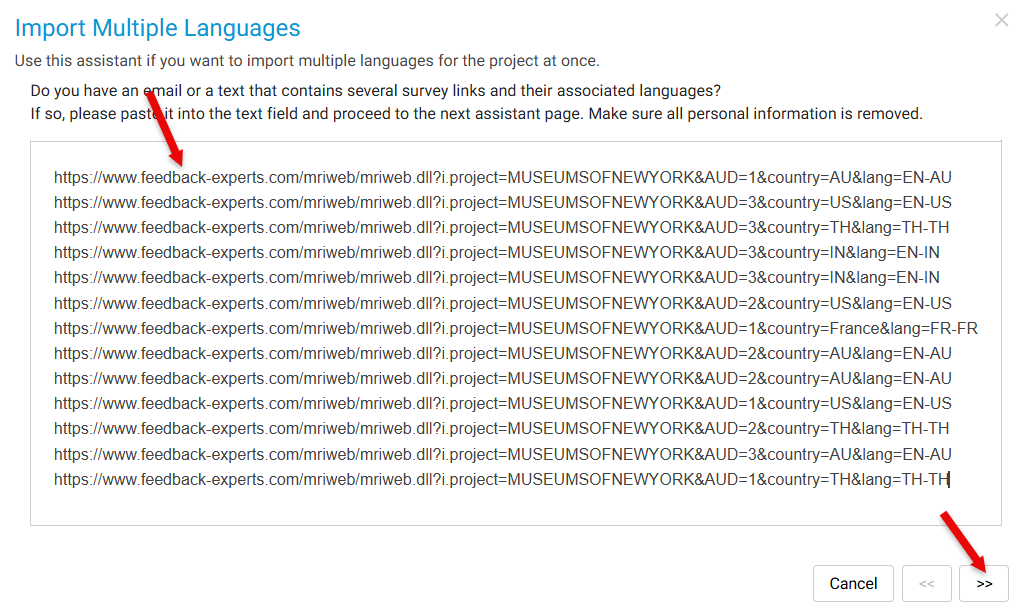
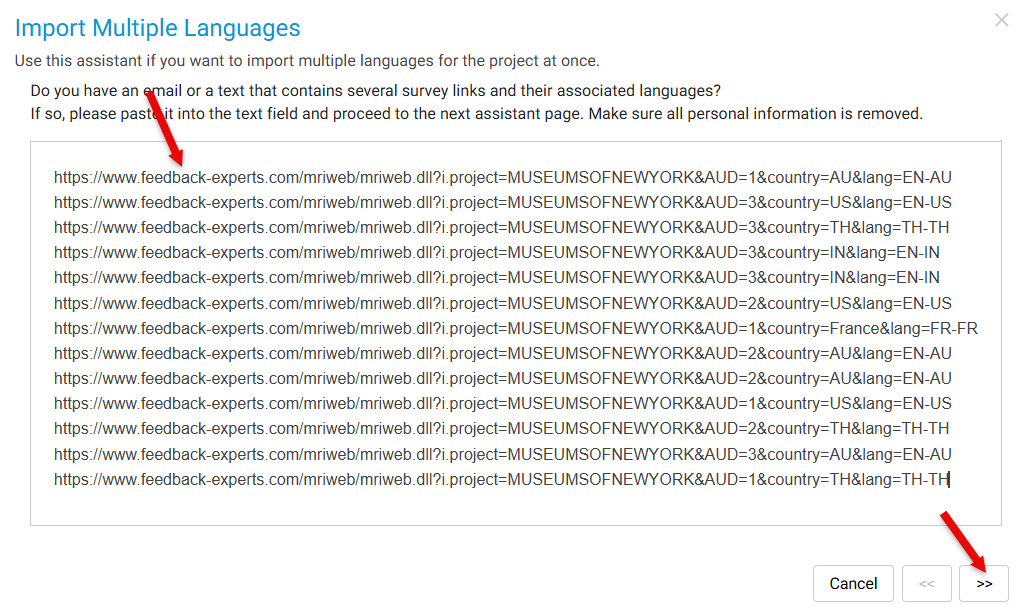
- Copy all your test survey URLs
- Paste them into the Import Multiple Languages window
- Click Next
Step 3: System Processing: The system will -
- Scan all provided URLs
- Identify unique ISO language values found in URL parameters
- Ignore duplicates and mark them as “Duplicate language”
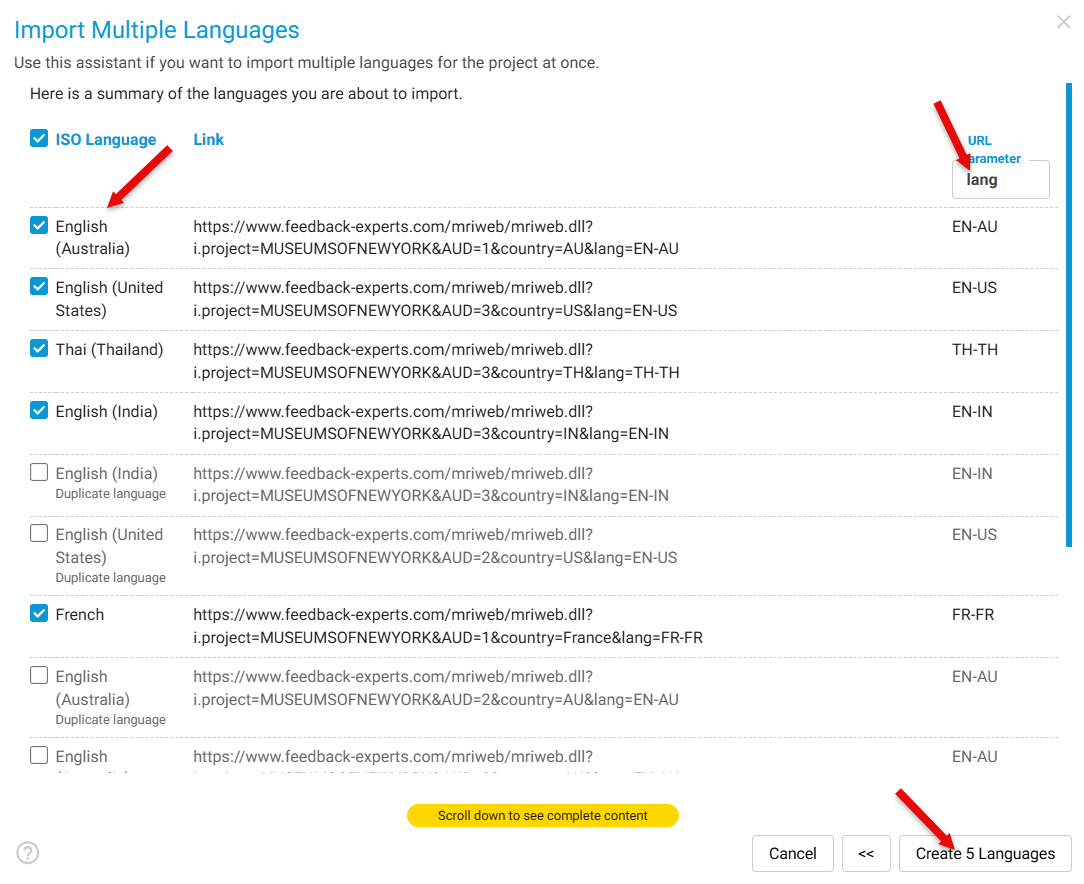
Example parameter found: lang=EN-AU
Step 4: Create the Languages: Click Create x Languages and the system will automatically generate languages using:
- The parameter name
- The language value
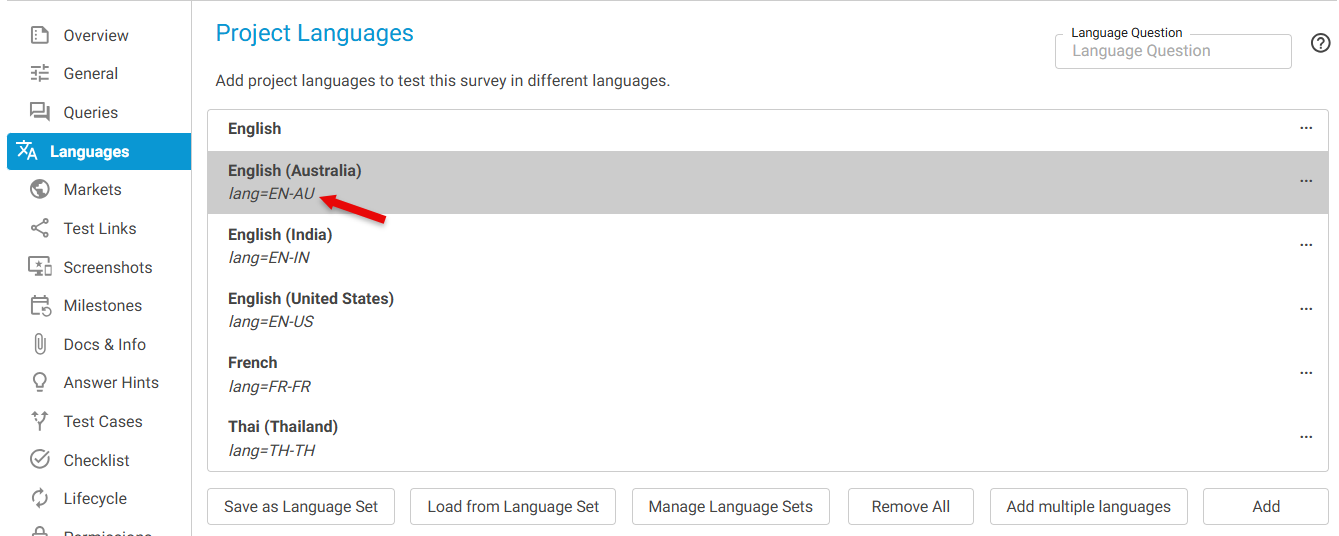
Example created: EN-AU