Add Role / User to SurveyTester
Add a user to a SurveyTester?
User can be added as an individual USER or based on ROLE.
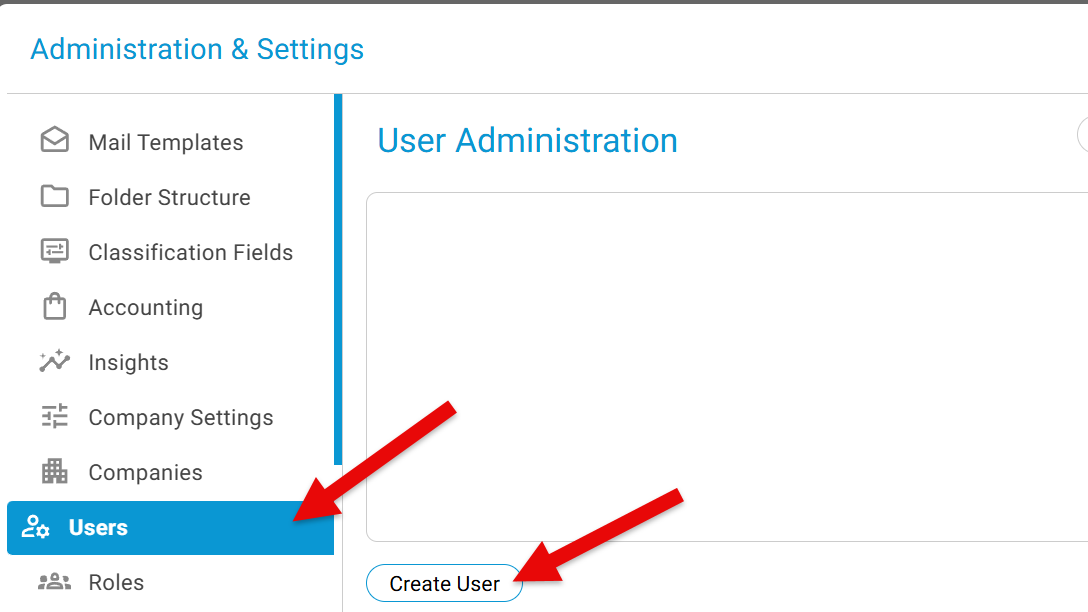
To add a new USER, click on the wheel icon on the top right corner and goto the Administration & Settings.
Click on USERS -> Click the button "Create User"
A new window open and enter the new users email id and select the role(s) to be assigned for this user and click Add. 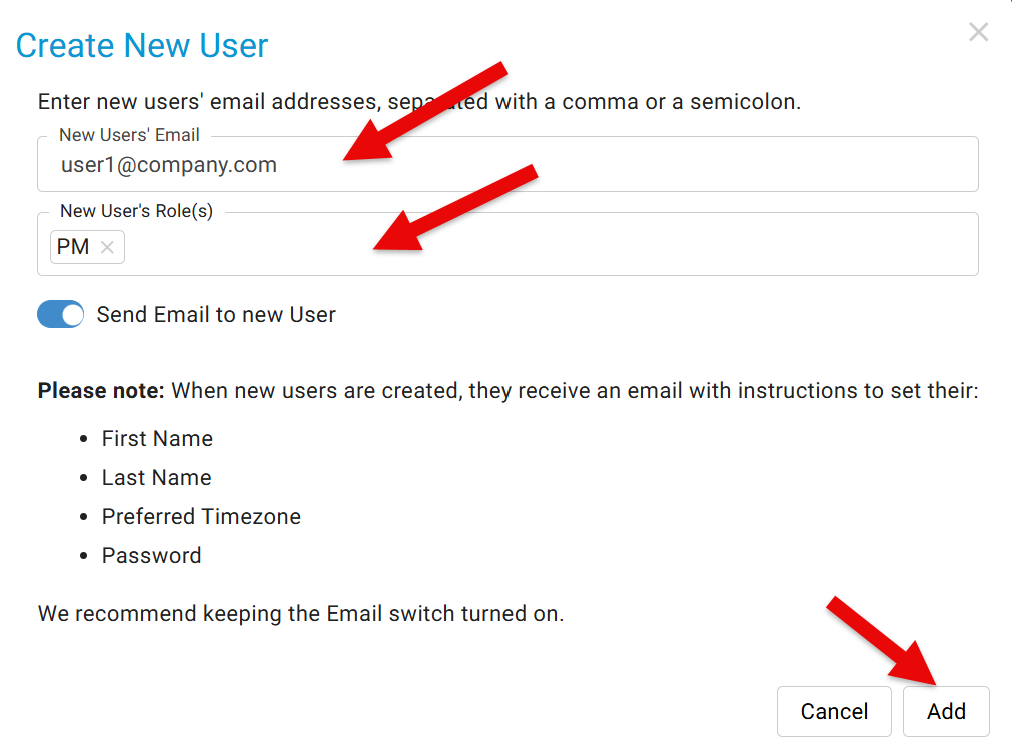
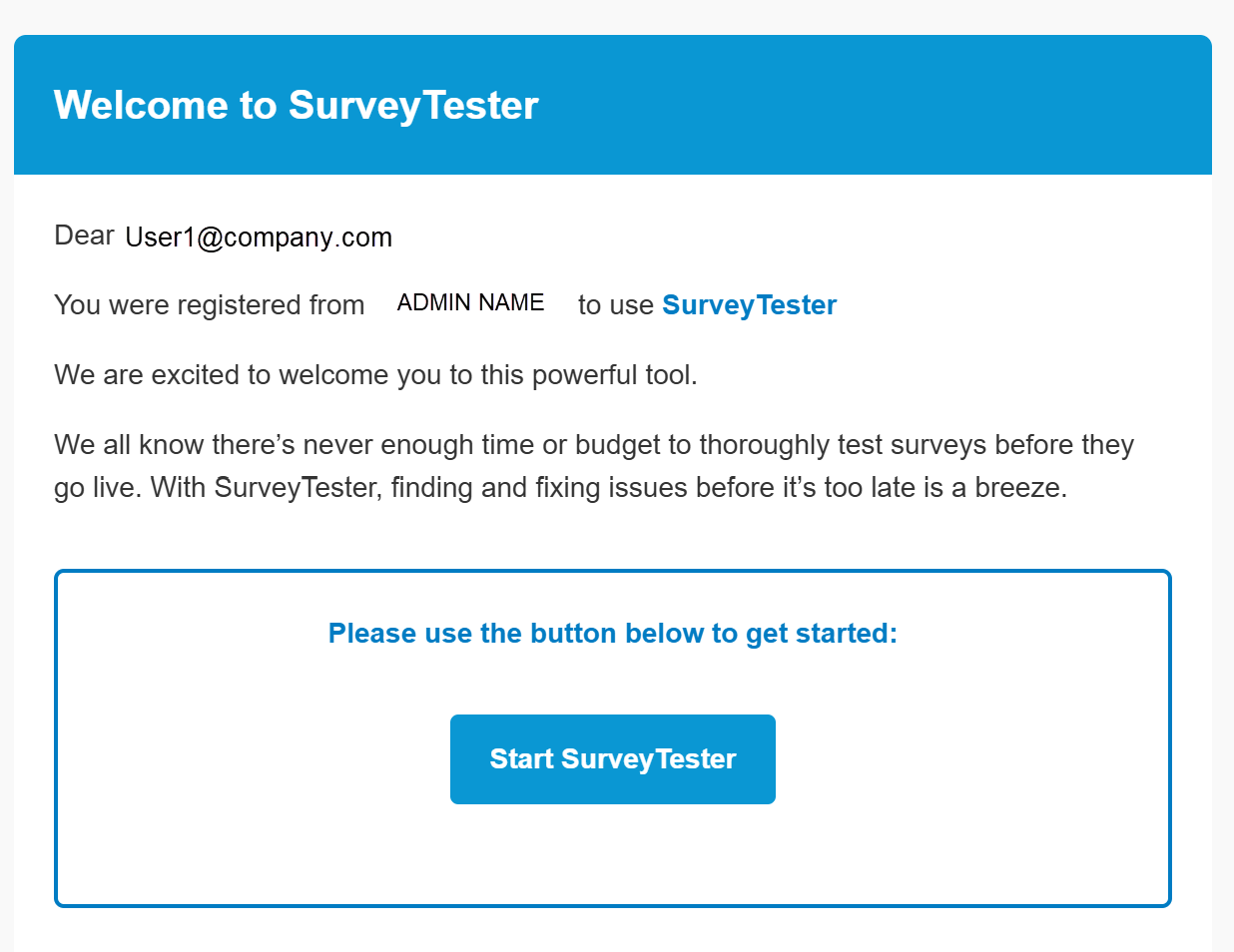
This will trigger an email to the user, with a link to register.